MT5 · code and request checks
EA works in tester but not live: check four MT5 permissions
Your EA can see four different trading permissions. My MT5 run passed five permission checks and sent zero orders. I log four separate permissions before changing the trading rule.
Arnold Holm · 2026-10-19
What the error means
An EA is a program that applies your trading rules in MetaTrader. A historical simulation and an account terminal run in different environments. A result in the Strategy Tester therefore does not tell you which permissions the account process has. Start by making those permissions visible. A green Algo Trading button is only one part of that check. The original MT5 forum author asked whether an EA could trade on a demo account and reported error 4752. Later replies said that the terminal button and the EA option were enabled. That is the author's reported situation. It does not identify the cause of every similar failure. The thread also contains a separate VPS question from another participant. A desktop permission reading cannot establish what a separate VPS process sees. Keep the terminal permission, the running program's permission, general account trading permission and the account's Expert Advisor permission separate. The first two are different levels. The last two are different account properties. Read the program permission inside the EA you are investigating. A separate small check script reads its own program permission, which is useful context but cannot stand in for that EA's value. The small guard below returns the first disabled permission in a stated order. Several flags may be false together, so retain all four raw values as well as the guard's result. When all four are true, it says only that this permission check found no block. It does not mean an order is valid or executed. Continue with the actual signal, quote, request and recorded result.
Three code paths to check
1. Only the terminal button was checked.
Read TERMINAL_TRADE_ALLOWED and MQL_TRADE_ALLOWED separately in the actual process. A program setting and a terminal setting are independent readings. Save both values with the time before editing strategy logic.
2. Account permissions were assumed from the login.
Record ACCOUNT_TRADE_ALLOWED and ACCOUNT_TRADE_EXPERT. General trading permission and permission for Expert Advisors are separate properties. Preserve the returned values rather than inferring them from the word demo or from a successful login.
3. A reading came from a different environment.
Keep tester, desktop terminal and VPS readings separate. Note which running program produced the values. If all four flags are true, investigate the next boundary instead of treating permission as a successful trade.
Five fixed comparisons in native MT5
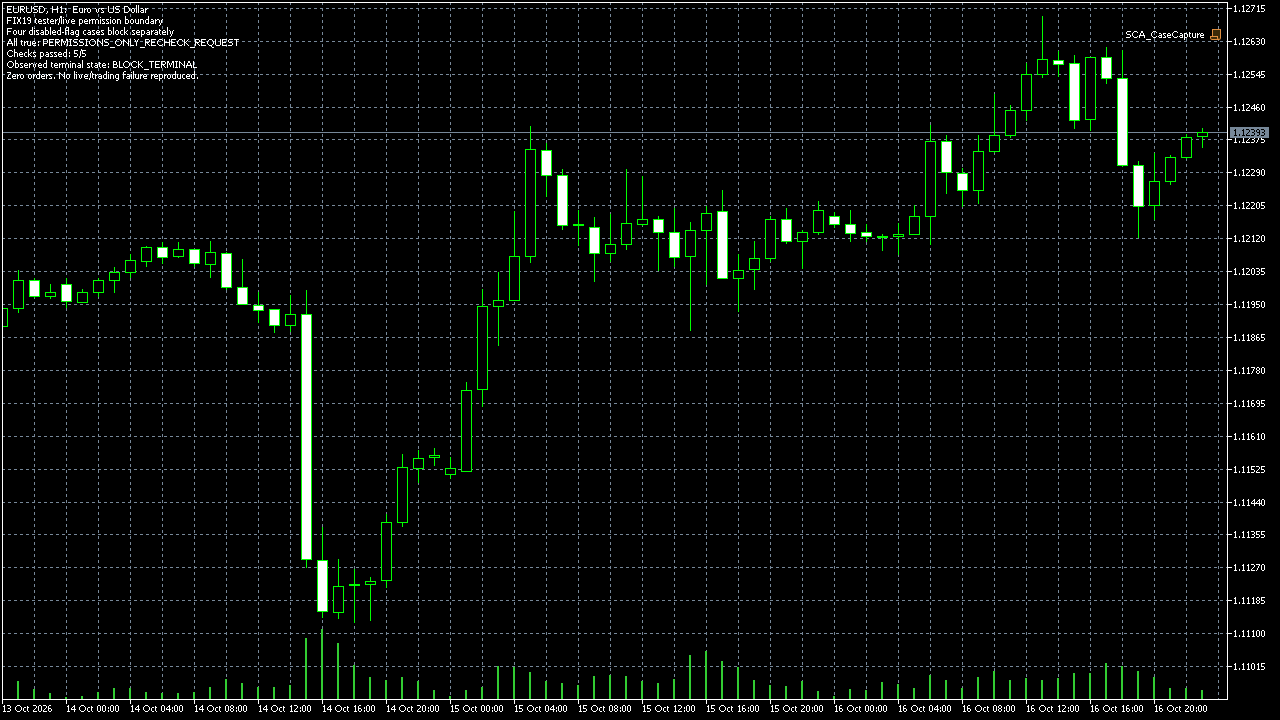
I compiled and ran this original read-only script in MT5 build 6230 on 18 October 2026. The fixed terminal-disabled input returned BLOCK_TERMINAL. The program-disabled input returned BLOCK_PROGRAM. The account-disabled input returned BLOCK_ACCOUNT. The expert-disabled input returned BLOCK_EXPERT. All four true returned PERMISSIONS_ONLY_RECHECK_REQUEST. All five comparisons passed. The separate native environment reading reported tester=0 and four false permission flags. This was an isolated terminal with trading disabled. With the stated precedence, the guard returned BLOCK_TERMINAL. The program flag belonged to the small check script. These recorded values are recorded in the retained runtime log and screenshot. This result tells you what the helper did with fixed inputs and what that isolated process reported. It gives you a compact way to preserve the first boundary when investigating your own EA. It does not tell you to enable trading, resend a request or change an account setting without checking the intended environment.
string PermissionState(bool terminal_ok,bool program_ok,bool account_ok,bool expert_ok)
{
   if(!terminal_ok) return "BLOCK_TERMINAL";
   if(!program_ok) return "BLOCK_PROGRAM";
   if(!account_ok) return "BLOCK_ACCOUNT";
   if(!expert_ok) return "BLOCK_EXPERT";
   return "PERMISSIONS_ONLY_RECHECK_REQUEST";
}
Five local comparisons and one isolated environment read. No OrderSend or OrderCheck, no broker failure reproduced, and no tester/live or VPS defect diagnosed.
How you know it is fixed
Disabled permissions stay distinct
Set each permission false in turn while the other three are true. Each input must produce its own named block.
All true is not execution
Use all four true. The result must be PERMISSIONS_ONLY_RECHECK_REQUEST, with no order or success claim.
Your five-minute log check
Find one log line from the actual EA showing terminal, program, account and expert permissions. If a value is missing, record it before changing the strategy.
Your own source
Find the next line to check
Start with the free EA-Check. Your code stays in your browser. It highlights patterns with line numbers; it does not prove the broker accepts an order.
Want one small change shown on your own case?
DEMO0: send the problem and try a free compiled demo first. R49: one authorised, reproducible MT4/MT5 defect in readable source up to 500 lines, with three agreed cases. 49 USD fixed. Delivery within 48 hours after source review and funding. The exact case is agreed before funded work.
Send the expected and actual behaviourRelated checks
Common questions
Does a green Algo Trading button prove the EA can trade?
It does not show all four permissions or establish that the next request is valid. Log the actual flags from the intended process.
Did this reproduce error 4752 or repair a VPS?
No. The run tested five fixed permission inputs and read an isolated terminal. It sent zero orders.
Sources and limits
- Original MT5 demo-account question and later replies
- Terminal permission properties
- Running program properties
- Account permission properties
- Native five-case runtime log
These public questions explain the error; use your own EA log to check whether the same cause applies.