MT5 · code and request checks
MT5 error 10017 trade disabled: check the account and symbol
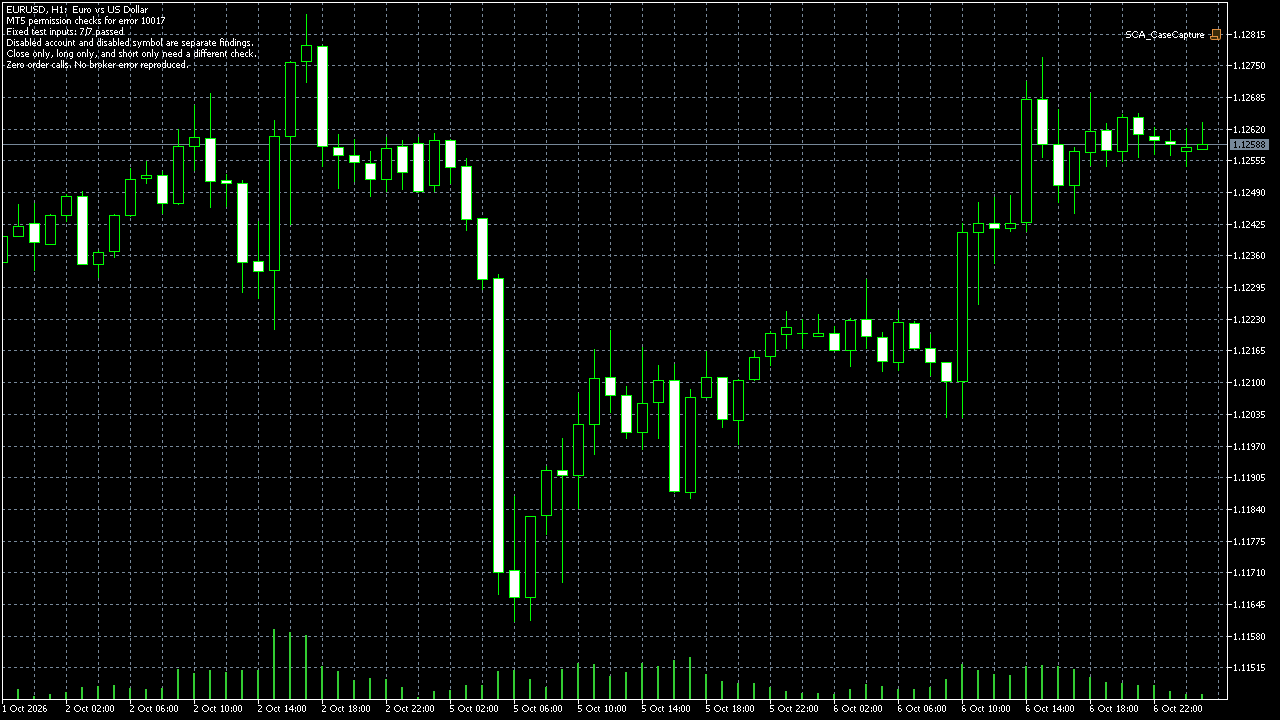
If your EA gets retcode 10017, MT5 reports trade is disabled for that request. In my native MT5 run on EURUSD H1, all 7 permission checks passed with zero orders, and the run told account-disabled apart from symbol-disabled. The Algo Trading toolbar switch is a separate check, so write down your exact request symbol with its account and symbol values before you consider another request.
Arnold Holm · 2026-11-14
What the error means
An EA is a program that follows trading rules in MT5. A retcode is the result MT5 reports for a request. Retcode 10017 means trade is disabled. It is not the same as 10018 market closed. It is not the same as 10026 and 10027 where autotrading is disabled at server or client. It is not the same as 10042 to 10044 where direction or close-only limits block the side. The Algo Trading switch in the toolbar is one client setting. The account and symbol permissions are different checks. The forum case ran EURUSD BUY in Strategy Tester with Algo Trading allowed and still got 4756 with trade retcode 10017. Strategy Tester is the historical simulation in MT5. One reply suggests checking the trade sessions in the symbol specifications. I treat that as one idea to check, not a proven cause. I ran 7 permission checks in native MT5 on EURUSD H1 with zero orders. The run recognized EA permission off, close-only, long-only and short-only. Both parts compiled with 0 errors and 0 warnings.
Three code paths to check
1. Your exact symbol and the account flags
Use the exact request symbol from the failed request. EURUSD on one server can differ from EURUSD on another feed. Read ACCOUNT_TRADE_ALLOWED and ACCOUNT_TRADE_EXPERT separately. ACCOUNT_TRADE_ALLOWED is the account flag for trading. ACCOUNT_TRADE_EXPERT is the account flag for EA trading. If either flag is off, the account side blocks the request.
2. The symbol mode and side limits
Read SYMBOL_TRADE_MODE for that exact symbol. SYMBOL_TRADE_MODE is the symbol setting for full, limited or disabled trading. A disabled symbol blocks the request even when the account allows trading. Close-only, long-only and short-only are side limits. They map to the 10042 to 10044 group. Check the side of your request against that mode.
3. The session for your test time
Read the symbol session for your test timestamp. A session is the time window when the symbol can trade. A request outside that window can fail even when the mode looks full. In the Tester, use the simulated time, not your local clock. Write down the session result with the other values.
Read both account flags and the request symbol without placing an order
Pass the exact symbol and keep the three values on one log line. The first test stops an account block before you look at the symbol. The second test stops a symbol block before you look at the order. If both sides allow trading, move to the next check for that request. Record the values before you consider another request. I record the account and symbol values first, so I do not send another request blind. If reading the symbol property fails, the check stops and leaves the mode at -1.
bool PassesBasicPermissionCheck(string request_symbol, long &account_flag, long &expert_flag, long &symbol_mode)
{
   account_flag = AccountInfoInteger(ACCOUNT_TRADE_ALLOWED);
   expert_flag = AccountInfoInteger(ACCOUNT_TRADE_EXPERT);
   symbol_mode = -1;
   if(account_flag == 0 || expert_flag == 0)
      return false;
   if(!SymbolInfoInteger(request_symbol, SYMBOL_TRADE_MODE, symbol_mode))
      return false;
   if(symbol_mode == SYMBOL_TRADE_MODE_DISABLED)
      return false;
   return true;
}
My script used fixed test inputs. It did not read a real account's permissions, reproduce broker retcode 10017, test a trading session or repair a broker configuration. A permitted account and full symbol mode only clear this check. The request can still fail.
How you know it is fixed
Account off versus symbol off
One run stopped on account-disabled with full symbol allowed. The paired run stopped on symbol-disabled with the account allowed. Both runs placed zero orders. That split tells you which side to read in your own log. Full permissions in my run led to the next check, not to an order.
Log the exact request
Keep the request symbol, the two account flags, the symbol mode and the session result on one log line. Write down your exact request symbol with ACCOUNT_TRADE_ALLOWED, ACCOUNT_TRADE_EXPERT and SYMBOL_TRADE_MODE, then compare them with the symbol session for your test time. One line keeps the cause with the stop.
Check before the next request
Check EA permission, close-only and side limits before you change the request. Do not retry with a new price until the logged values allow that side.
I can fix it for you
If the three agreed tests don't pass, you get your money back. I fix one authorised, reproducible MT4 or MT5 defect in readable source up to 500 lines. The fixed price is 49 USD. Delivery is within 48 hours after source review and funding.
Free demo of your fixCheck my EA locallyRequest a free demo of your fix
Related checks
Common questions
Does Algo Trading allowed mean the order must pass?
No. The toolbar switch is one client setting. The account flags, the symbol mode and the session can still block the request.
Does your 7-check run prove my broker will accept the order?
No. I ran fixed checks on EURUSD H1 with zero orders. It shows how to tell the stops apart. It says nothing about your broker feed.
Sources and limits
These public questions explain the error; use your own EA log to check whether the same cause applies.